> ## Documentation Index
> Fetch the complete documentation index at: https://docs.open-politics.org/llms.txt
> Use this file to discover all available pages before exploring further.
# App Setup
> Configure providers and foundation services
HQ uses foundation services to power different capabilities. Configure them in the **Provider Configuration** panel on the [home screen](https://open-politics.org/hq).
## Foundation Services
Chat, classification, structured extraction. The core AI capability.
Vector search, similarity matching, semantic discovery within infospaces.
Live web results for chat - ground responses in current information.
Extract and map locations from your documents. Powers geographic visualizations.
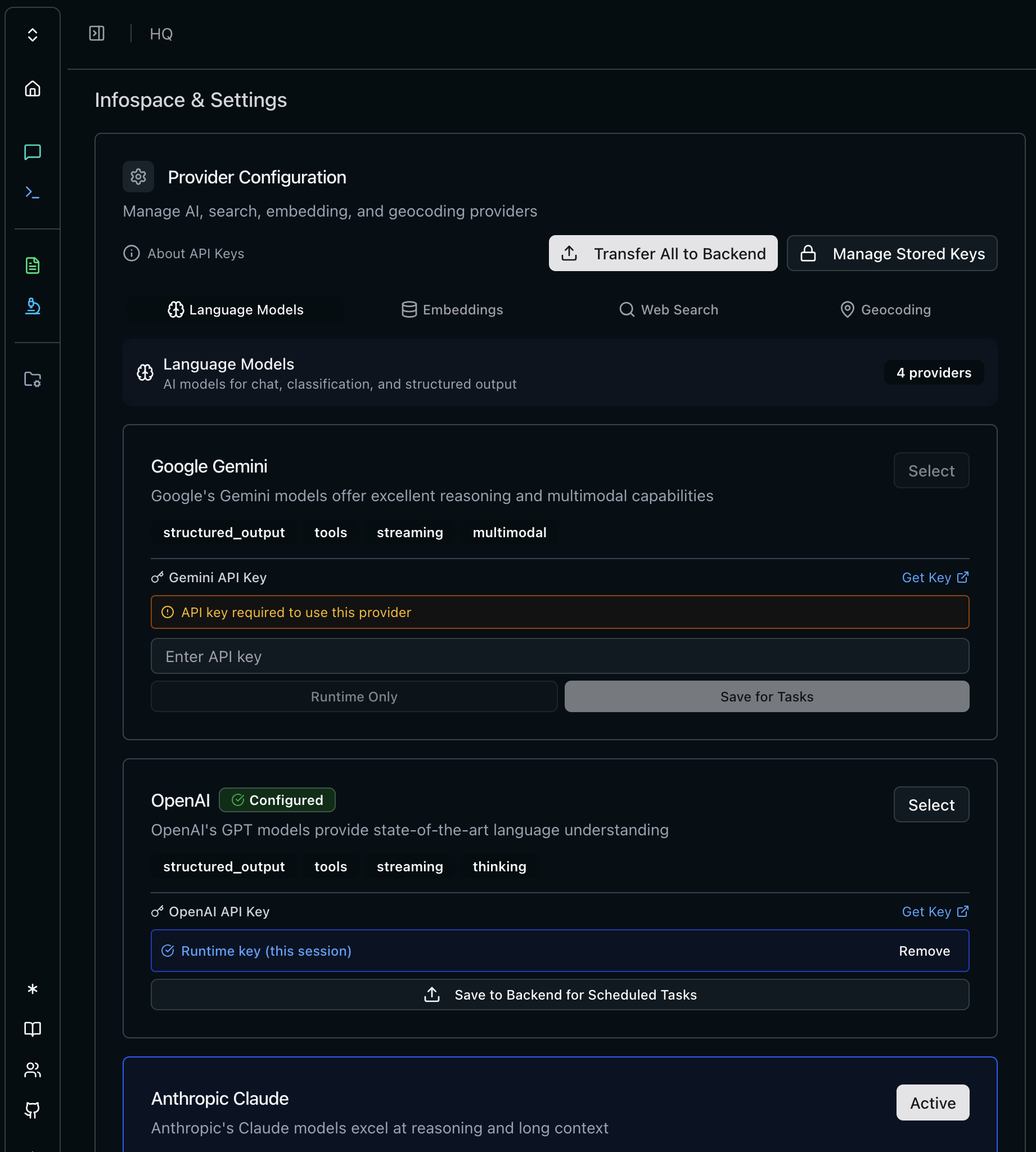
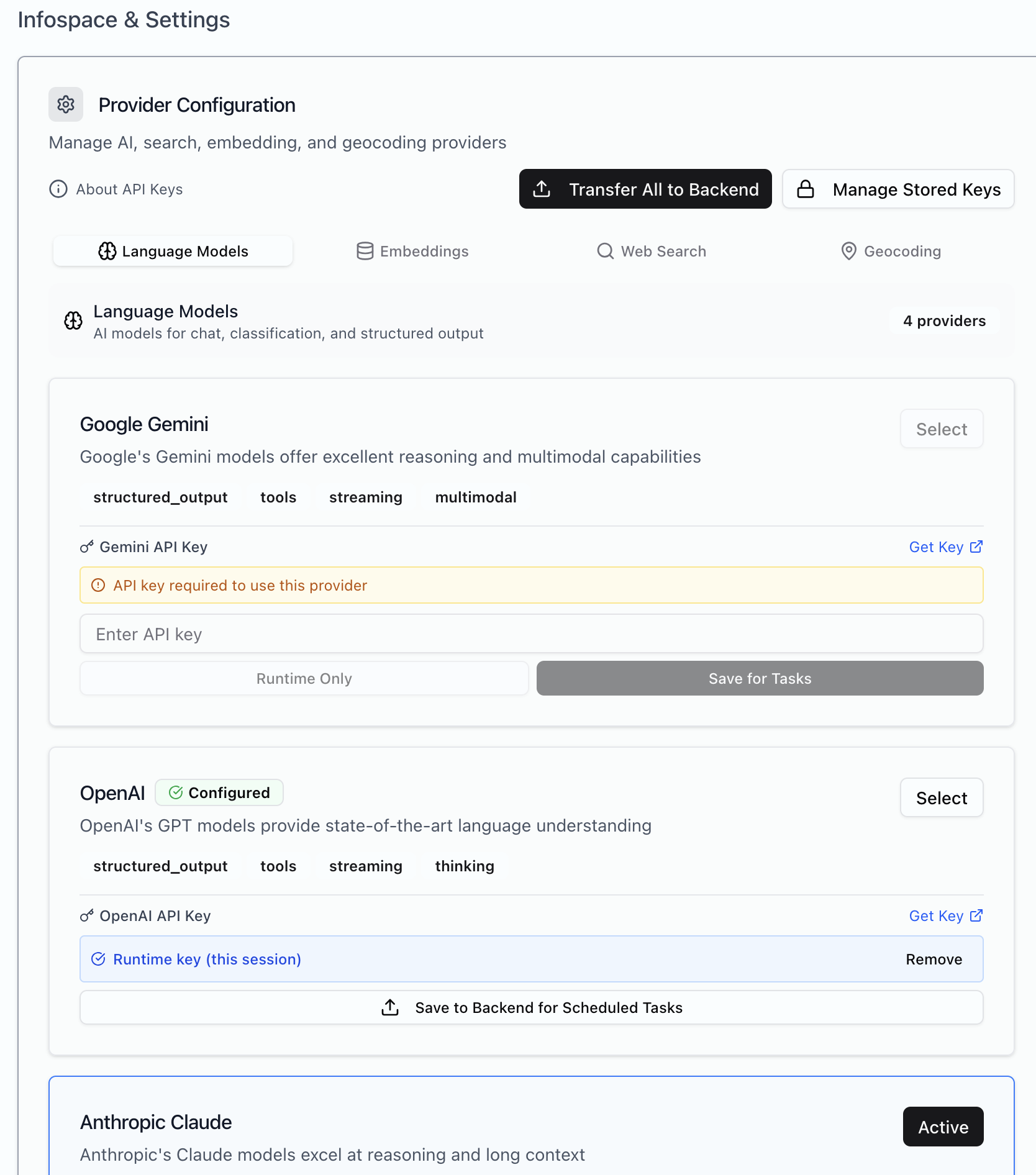 Each service type supports multiple providers. Pick what fits your needs — cloud APIs, local inference, or a mix.
***
## API Key Storage
Two storage modes for each provider:
| Mode | What it does | Use when |
| ------------------ | -------------------------- | ------------------------------------------------ |
| **Runtime Only** | Keys stay in your browser | Quick testing, interactive use |
| **Save for Tasks** | Keys encrypted in database | Background jobs, large analysis runs, automation |
**Background tasks require saved keys.** The Celery worker that processes large analysis runs can't access your browser. If jobs hang or fail, check that you've saved keys to the backend.
***
## Providers
### Language Models
| Provider | Get Key |
| --------- | ------------------------------------------------------ |
| Anthropic | [console.anthropic.com](https://console.anthropic.com) |
| OpenAI | [platform.openai.com](https://platform.openai.com) |
| Google | [aistudio.google.com](https://aistudio.google.com) |
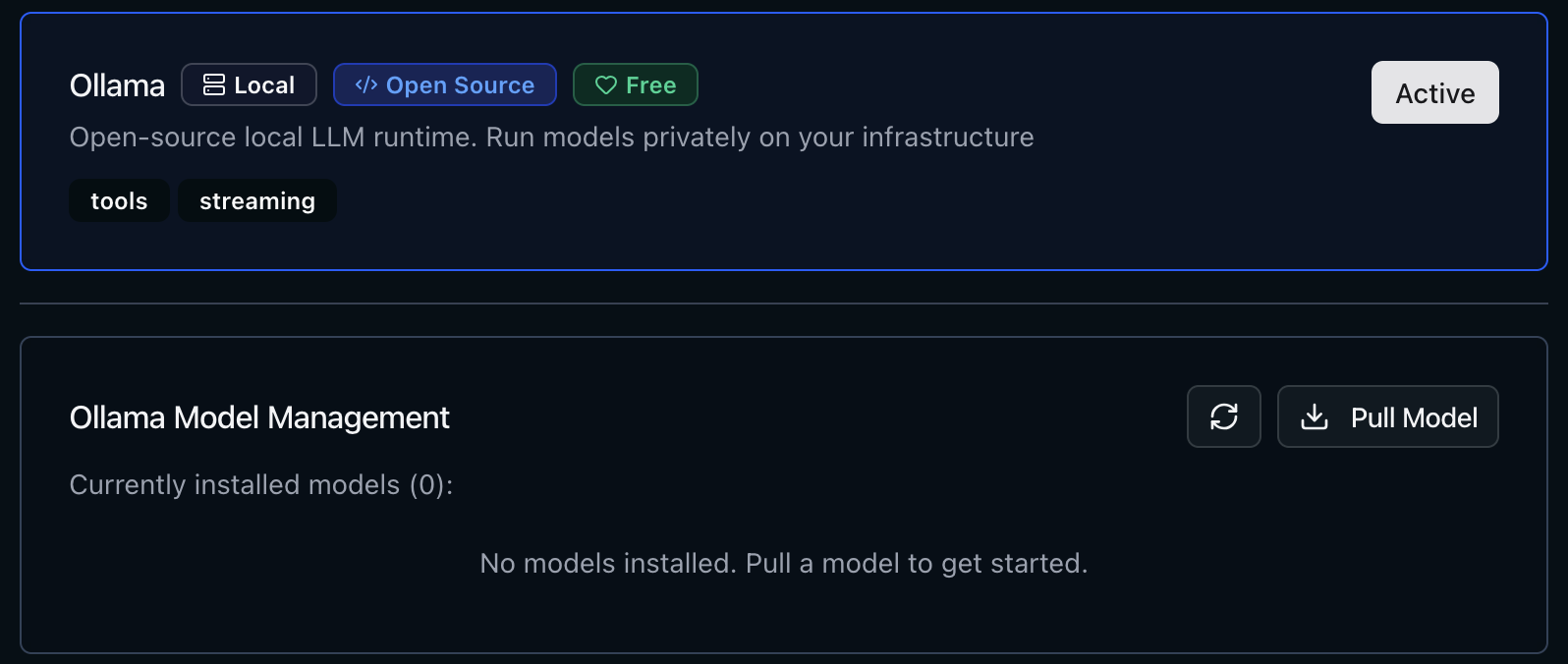
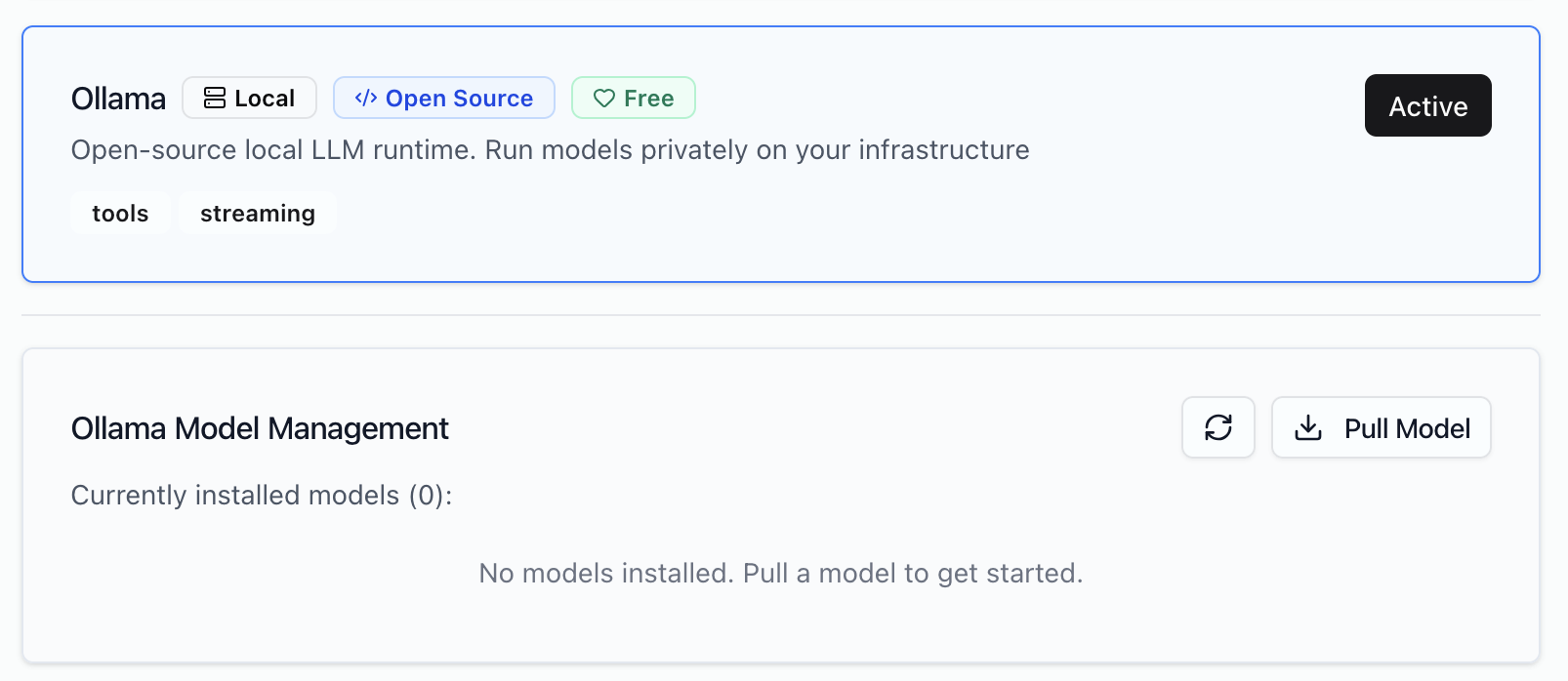
| Ollama | Local — no key needed |
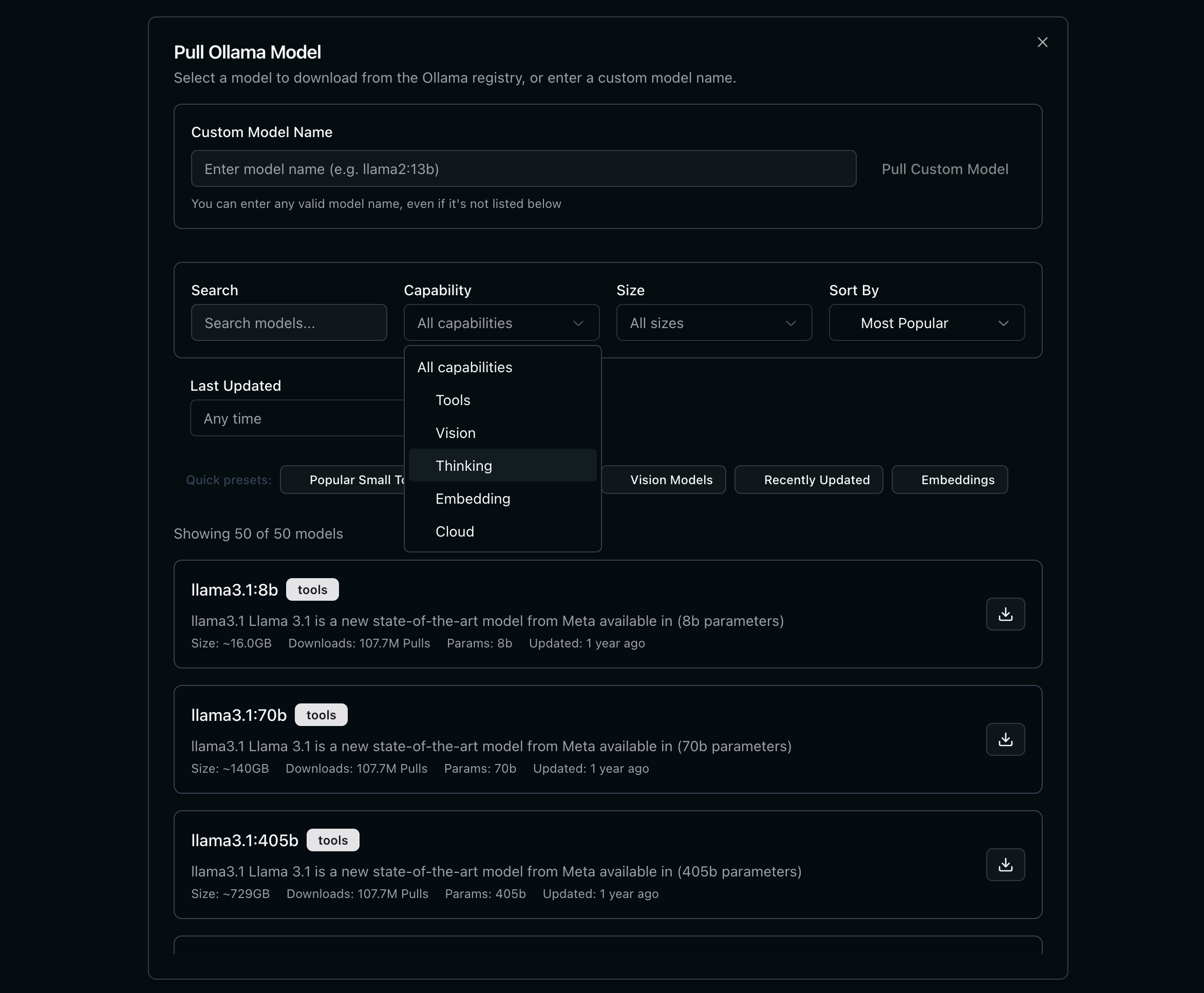
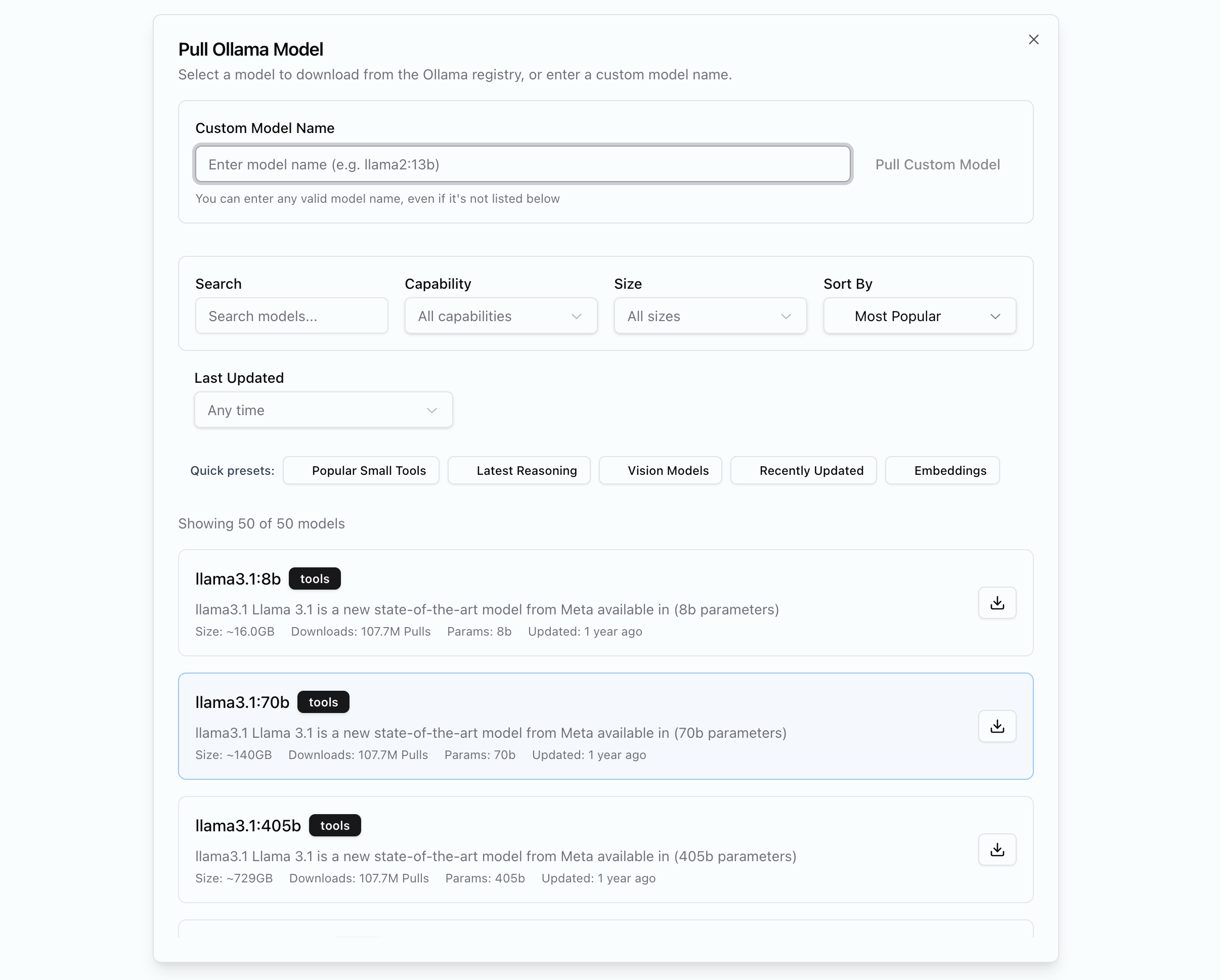
### Ollama
Ollama is a local language model server that has many models available and is a great way to get started with local inference.
Each service type supports multiple providers. Pick what fits your needs — cloud APIs, local inference, or a mix.
***
## API Key Storage
Two storage modes for each provider:
| Mode | What it does | Use when |
| ------------------ | -------------------------- | ------------------------------------------------ |
| **Runtime Only** | Keys stay in your browser | Quick testing, interactive use |
| **Save for Tasks** | Keys encrypted in database | Background jobs, large analysis runs, automation |
**Background tasks require saved keys.** The Celery worker that processes large analysis runs can't access your browser. If jobs hang or fail, check that you've saved keys to the backend.
***
## Providers
### Language Models
| Provider | Get Key |
| --------- | ------------------------------------------------------ |
| Anthropic | [console.anthropic.com](https://console.anthropic.com) |
| OpenAI | [platform.openai.com](https://platform.openai.com) |
| Google | [aistudio.google.com](https://aistudio.google.com) |
| Ollama | Local — no key needed |
### Ollama
Ollama is a local language model server that has many models available and is a great way to get started with local inference.
 ### Embeddings
Used for vectorizing content in your infospaces. Configure separately from language models.
| Provider | Notes |
| -------- | ---------------------------------- |
| OpenAI | Reliable, widely used |
| Ollama | Local embeddings, complete privacy |
### Web Search
Enables the chat to pull in live search results.
| Provider | Get Key |
| -------- | ----------------------------------- |
| Tavily | [tavily.com](https://tavily.com) |
| SearXNG | (soon back integrated in the stack) |
### Geocoding
Location extraction uses Nominatim. Self-hosted deployments include it by default. No API key needed for local Nominatim.
***
## Verifying Setup
1. Open **Chat** and send a message — confirms language model works
2. Upload an asset and check if it is ingested properly
3. Ask chat to search the web — confirms web search
4. Run an analysis with location fields — confirms geocoding
***
## Next Steps
Create workspaces for your projects
Define what to extract from documents
### Embeddings
Used for vectorizing content in your infospaces. Configure separately from language models.
| Provider | Notes |
| -------- | ---------------------------------- |
| OpenAI | Reliable, widely used |
| Ollama | Local embeddings, complete privacy |
### Web Search
Enables the chat to pull in live search results.
| Provider | Get Key |
| -------- | ----------------------------------- |
| Tavily | [tavily.com](https://tavily.com) |
| SearXNG | (soon back integrated in the stack) |
### Geocoding
Location extraction uses Nominatim. Self-hosted deployments include it by default. No API key needed for local Nominatim.
***
## Verifying Setup
1. Open **Chat** and send a message — confirms language model works
2. Upload an asset and check if it is ingested properly
3. Ask chat to search the web — confirms web search
4. Run an analysis with location fields — confirms geocoding
***
## Next Steps
Create workspaces for your projects
Define what to extract from documents