

Foundation Services
Language Models
Chat, classification, structured extraction. The core AI capability.
Embeddings
Vector search, similarity matching, semantic discovery within infospaces.
Web Search
Live web results for chat - ground responses in current information.
Geocoding
Extract and map locations from your documents. Powers geographic visualizations.
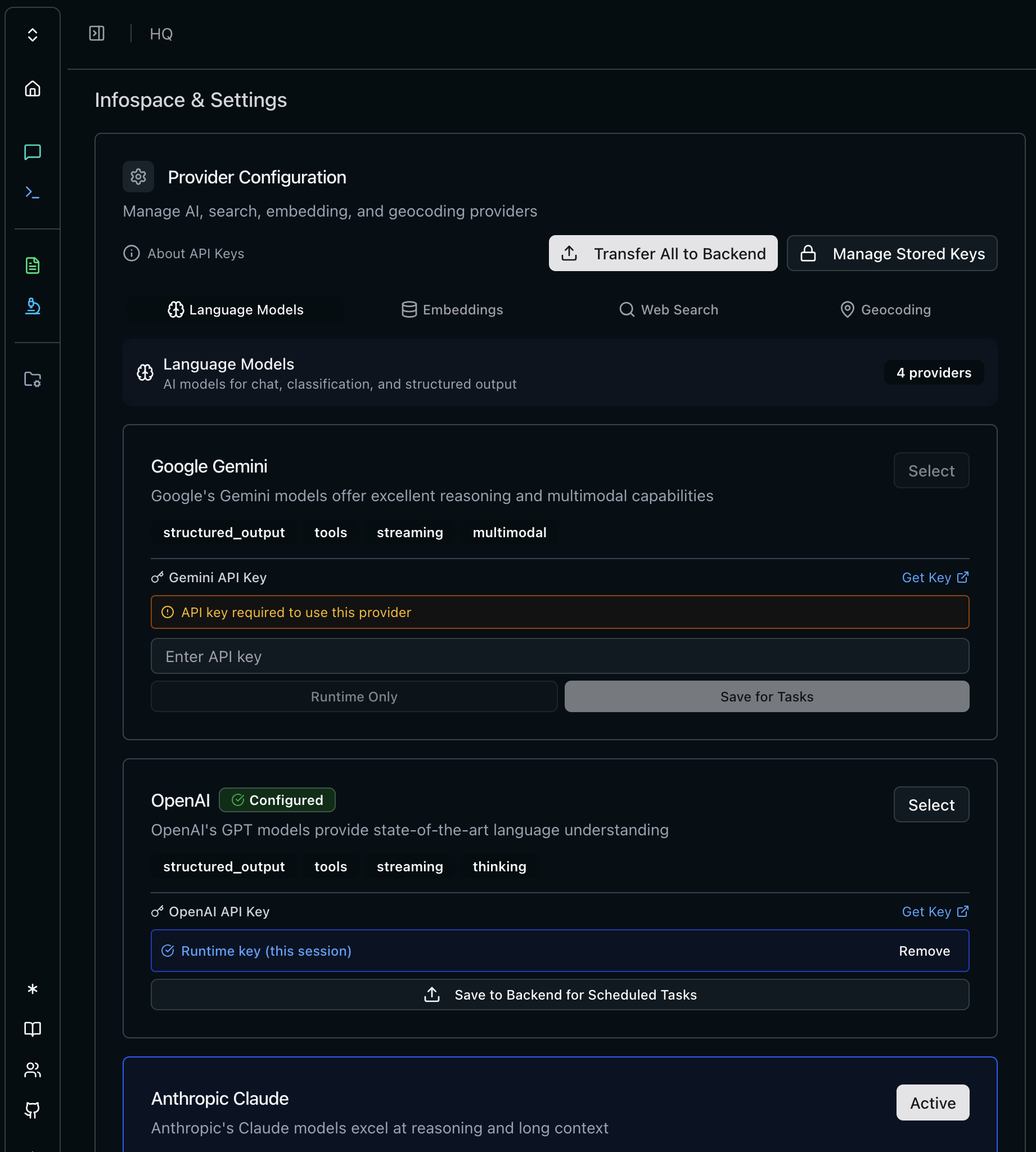
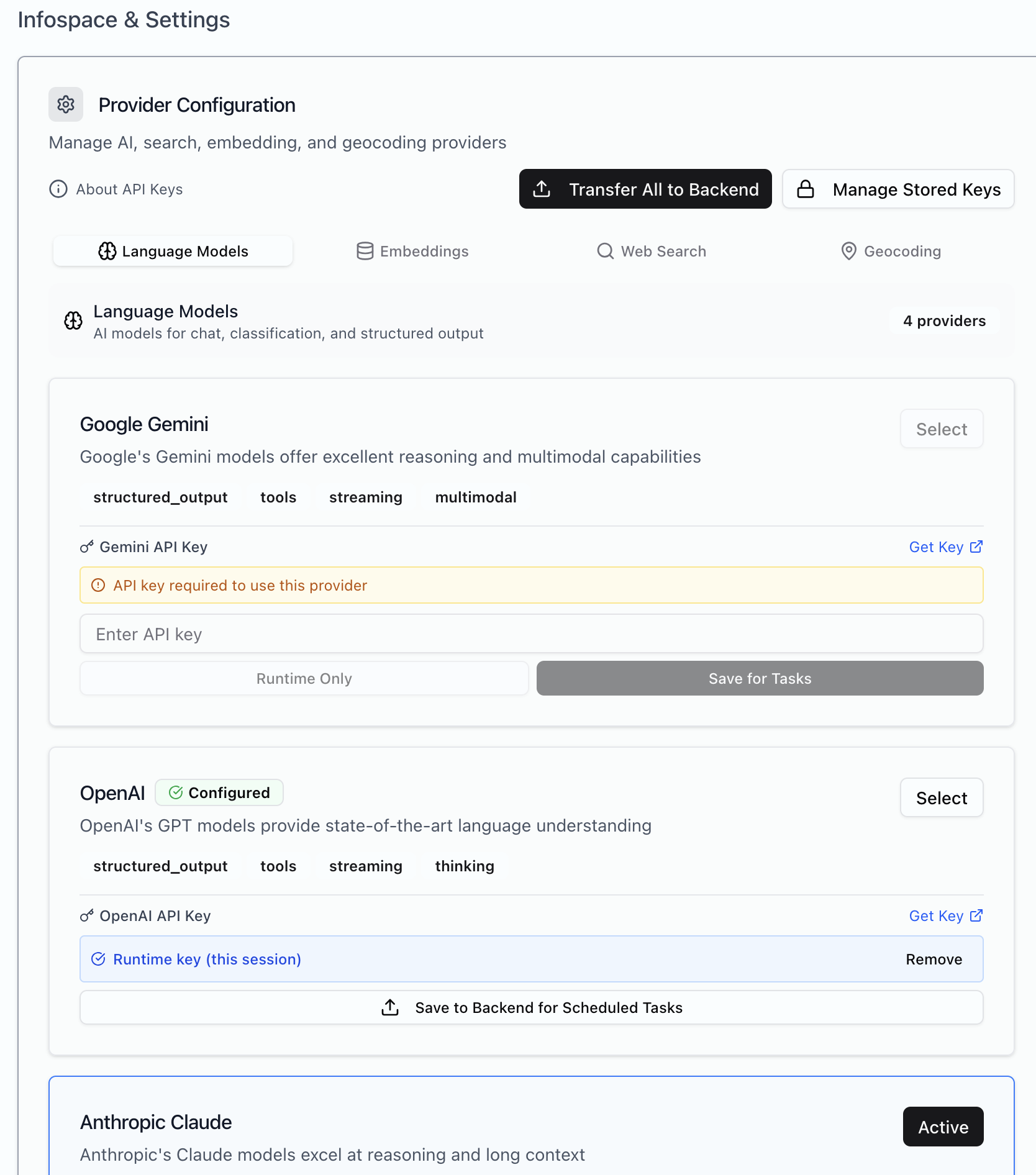
API Key Storage
Two storage modes for each provider:Providers
Language Models
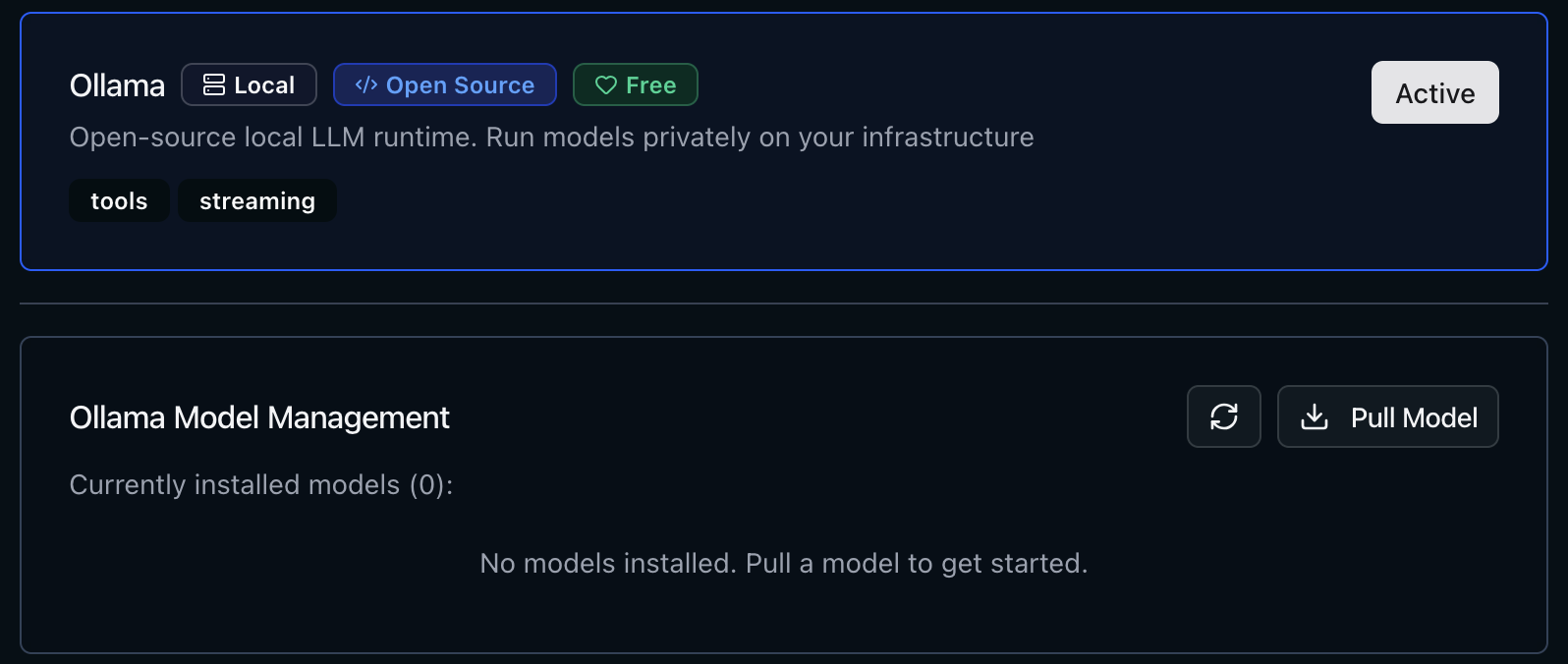
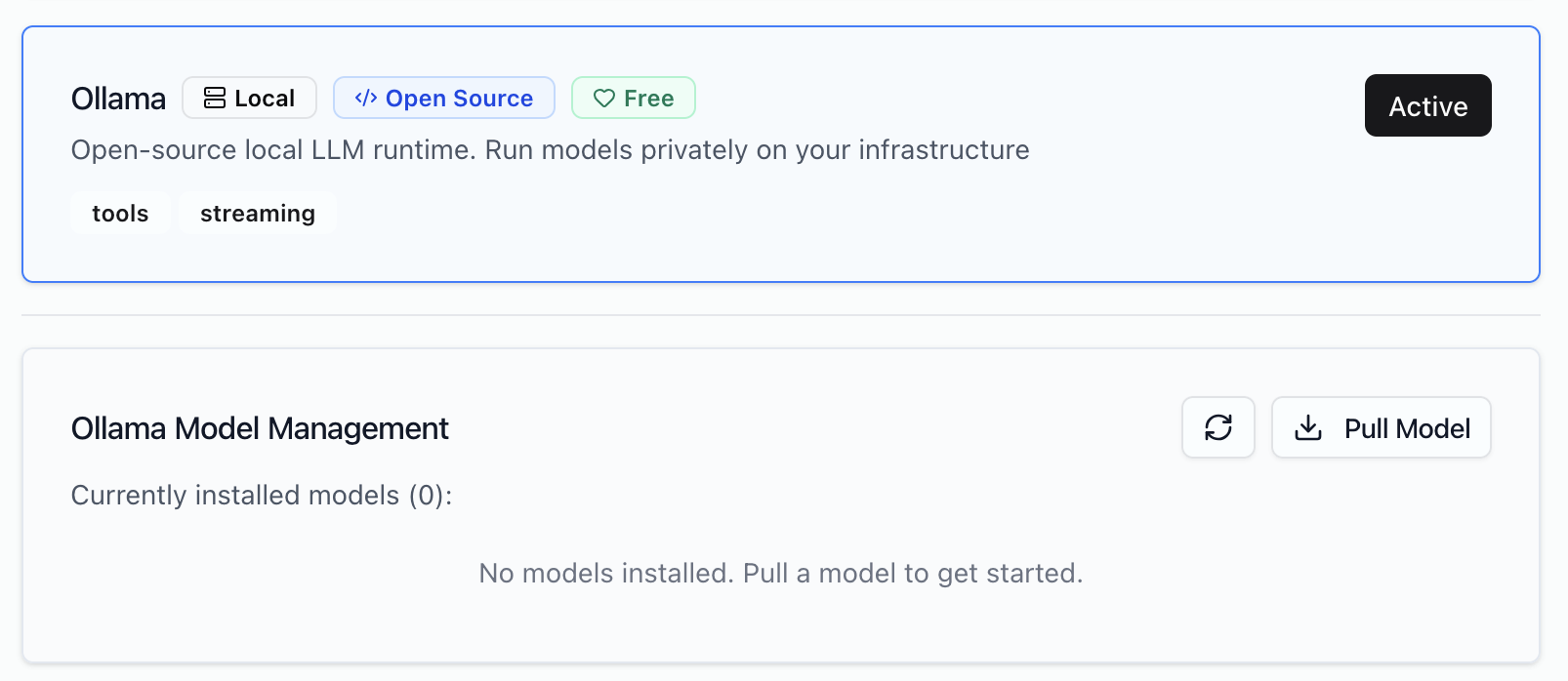
Ollama
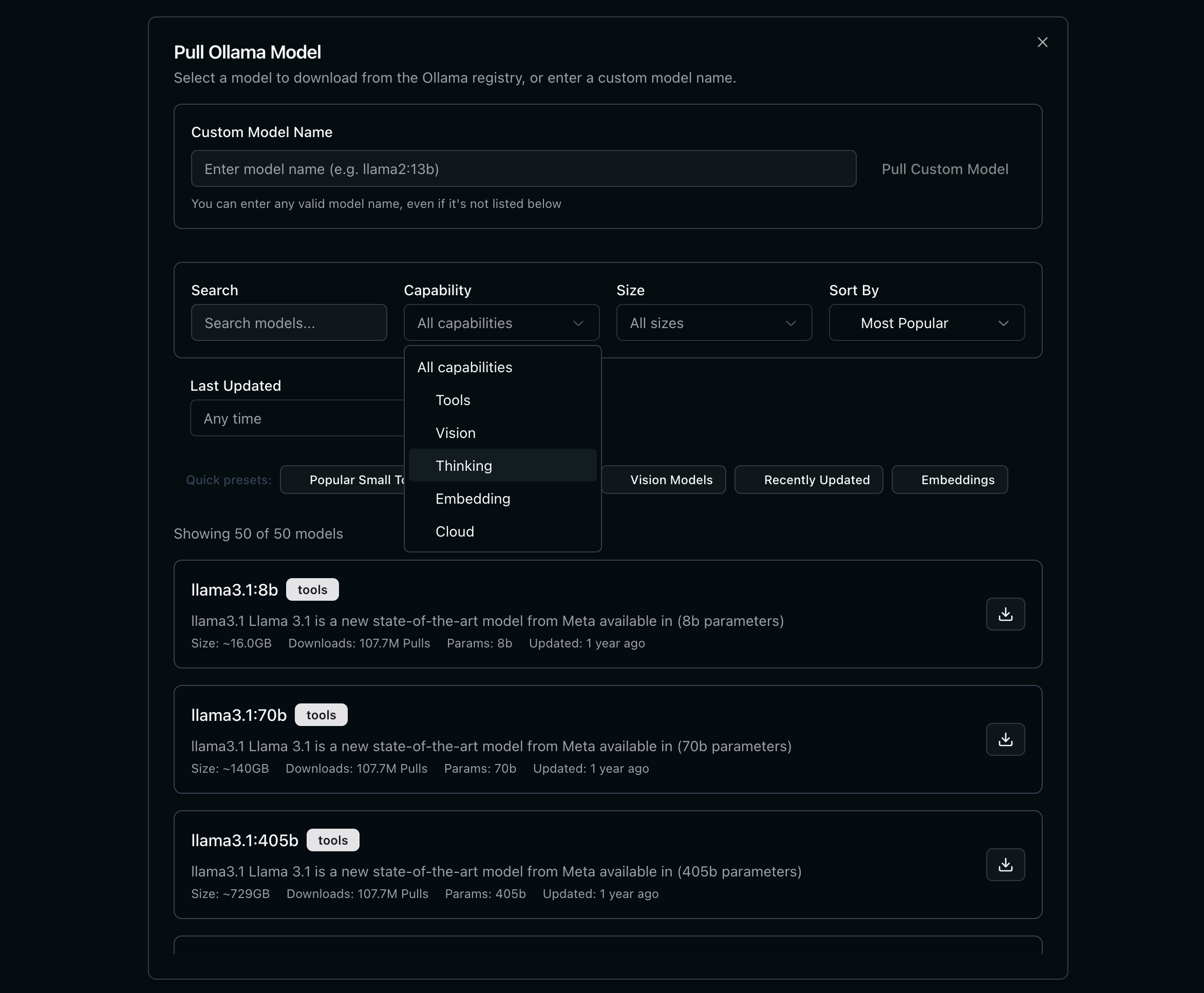
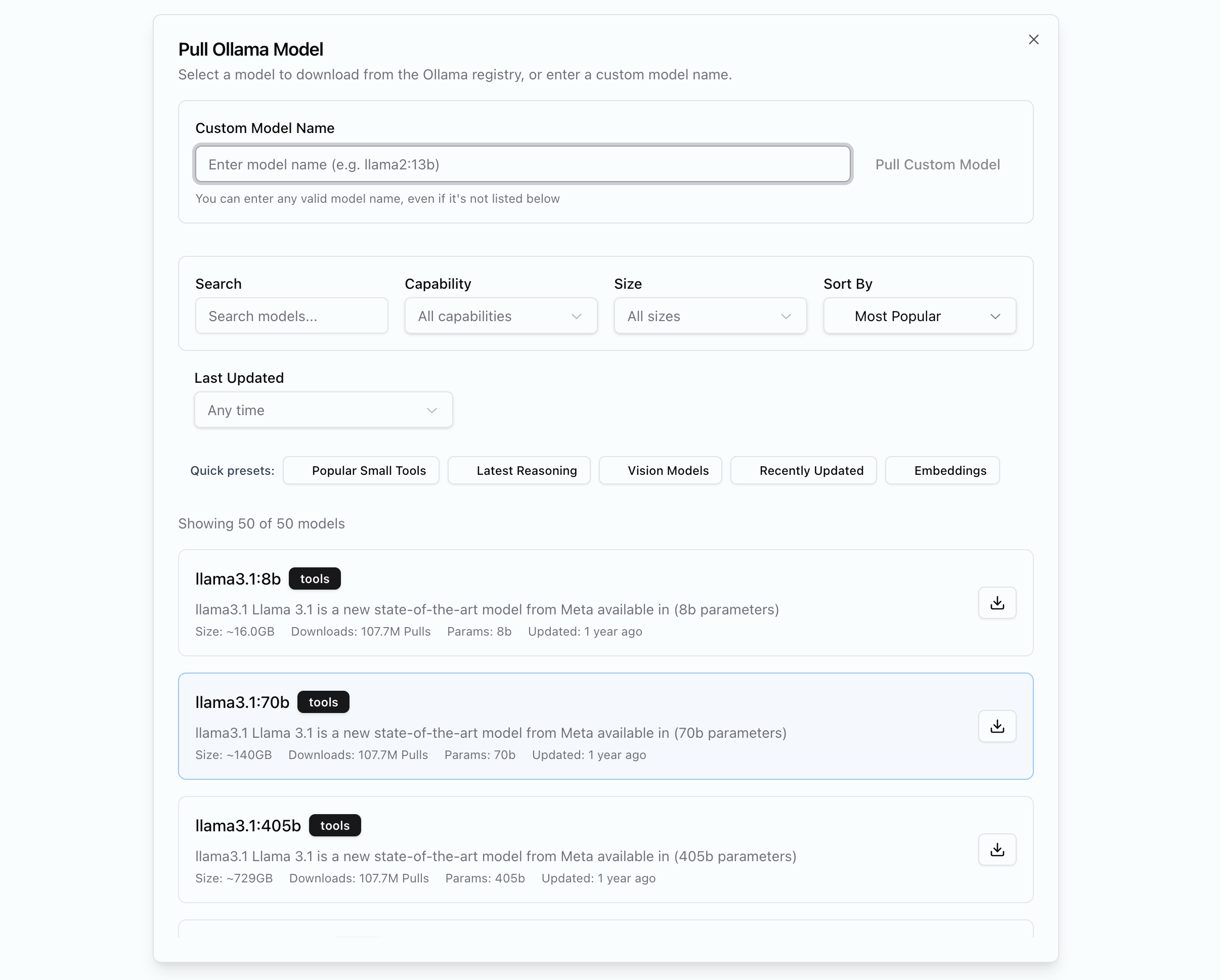
Ollama is a local language model server that has many models available and is a great way to get started with local inference.1
Select Ollama as LLM and Embedding Provider
2
Select a model
Embeddings
Used for vectorizing content in your infospaces. Configure separately from language models.Web Search
Enables the chat to pull in live search results.Geocoding
Location extraction uses Nominatim. Self-hosted deployments include it by default. No API key needed for local Nominatim.Verifying Setup
- Open Chat and send a message — confirms language model works
- Upload an asset and check if it is ingested properly
- Ask chat to search the web — confirms web search
- Run an analysis with location fields — confirms geocoding
Next Steps
Infospaces
Create workspaces for your projects
Schemas
Define what to extract from documents